
Notification Rules
Environment-Based Routing
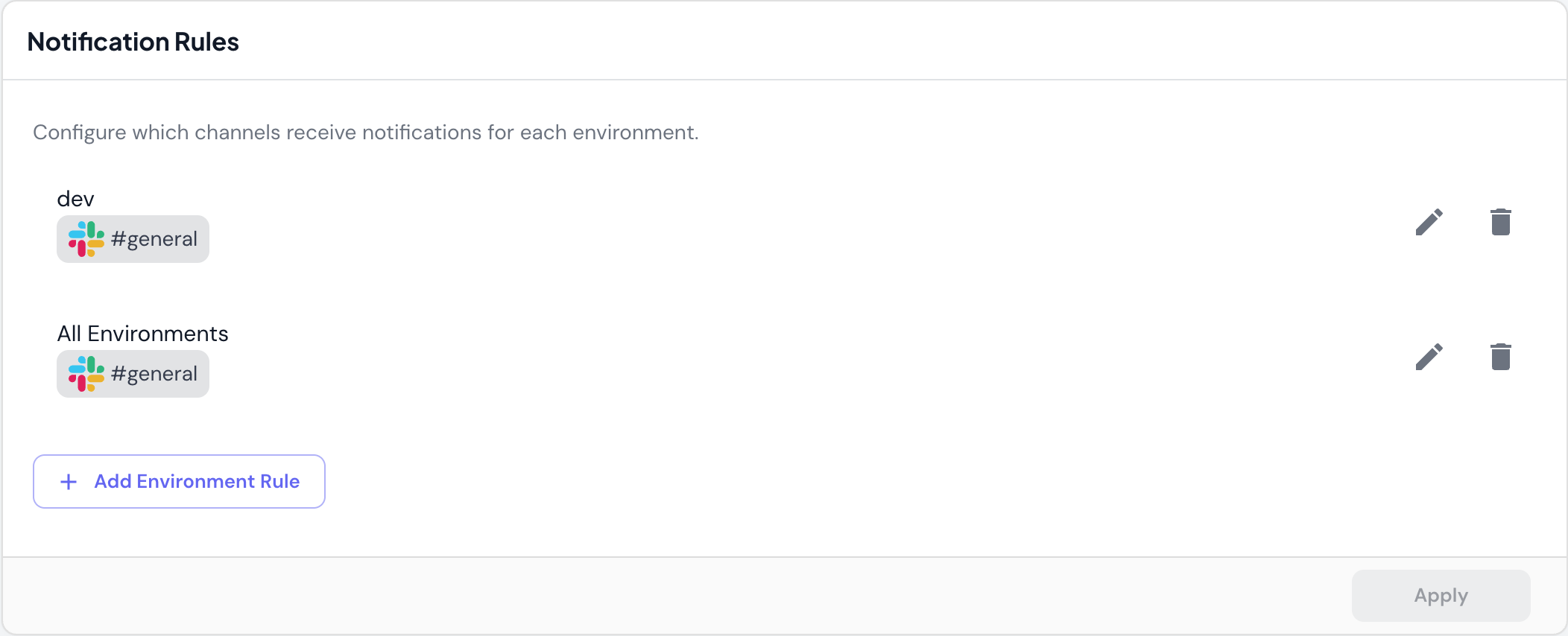
Configure which channels receive notifications for specific environments:devenvironment →#engineeringchannelstagingenvironment →#qa-teamchannelprodenvironment →#alertschannelAll Environments→#generalchannel
How It Works
- Add an environment rule specifying the environment name or “All Environments”
- Select Slack channels to receive notifications for that environment
- Deployments trigger notifications to the specified channels when they occur
Managing Rules
- Edit: Change the environment or channels for an existing rule
- Delete: Remove a rule to stop sending notifications
- Add Environment Rule: Create a new routing rule
Notification Channels
Slack Integration
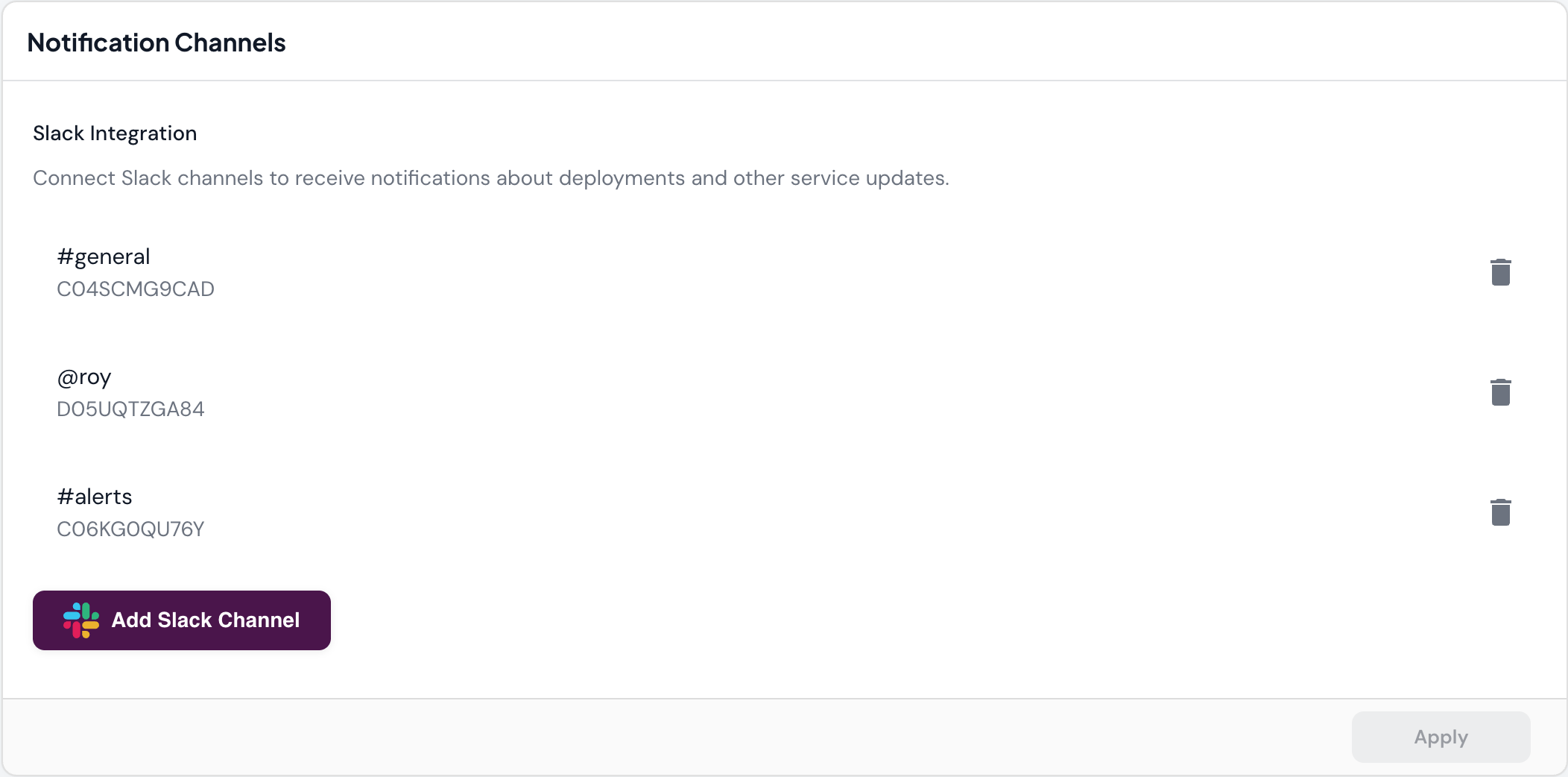
Connect Slack channels to receive notifications about deployments and service updates. Connected channels show:- Channel name: e.g.,
#general,#alerts,@username - Channel ID: e.g.,
C04SCMG9CAD(Slack’s internal identifier) - Channel types: Public channels (
#channel-name) or direct messages (@username)
Adding Slack Channels
- Click Add Slack Channel
- Authorize Skyhook to access your Slack workspace (if not already connected)
- Select the channel to connect
- Use the channel in notification rules
Managing Channels
- Delete: Remove a channel from Skyhook (stops all notifications to that channel)
- Add Slack Channel: Connect additional channels as needed
Channels must be added to Slack Integration before they can be used in Notification Rules.
Use Cases
Development Team Notifications
Route dev and staging deployments to your team’s working channel:- Environment:
dev - Channel:
#engineering
Production Alerts
Send production deployments to a dedicated alerts channel with higher visibility:- Environment:
prod - Channels:
#alerts,#on-call
Individual Notifications
Send notifications to specific team members for their services:- Environment:
All Environments - Channel:
@developer-name
Catch-All Notifications
Ensure all deployments are logged in a central channel:- Environment:
All Environments - Channel:
#deployments
Related Documentation
- Service Deployment - How deployments work
- Environments - Understanding environments
- CI/CD - CI/CD pipeline configuration