
What You’ll Set Up
By the end of this guide, you’ll have:- Kubernetes clusters connected and monitored by Skyhook
- GitHub integration for GitOps workflows
- ArgoCD managing infrastructure as code
- Essential addons (cert-manager, nginx-ingress) deployed
Prerequisites
Before starting, ensure you have:- Existing Kubernetes clusters (GKE, EKS, AKS, or any conformant Kubernetes cluster including on-prem and bare-metal)
- Cloud provider access with appropriate permissions (not required for BYOK clusters)
- Docker image registry (Google Artifact Registry, AWS ECR, Docker Hub, GitHub Container Registry, Harbor, or any OCI-compliant registry)
- GitHub account for GitOps integration
- Basic tools installed:
kubectl,helm
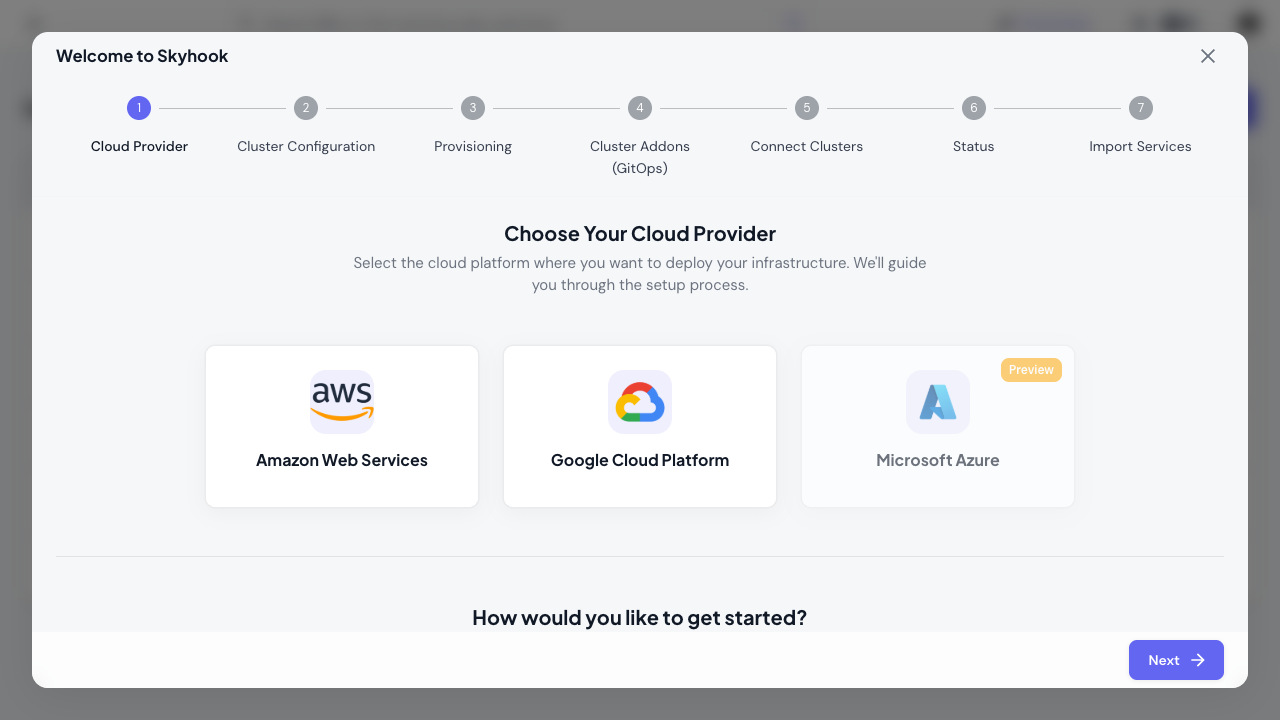
Step 1: Select Cloud Provider & Existing Cluster Strategy (~1 min)
In the onboarding wizard:- Choose your cloud provider: AWS, GCP, Azure, or Bring Your Own Cluster (for on-prem, bare-metal, or other Kubernetes distributions)
- Select “Existing Cluster” strategy (auto-selected for BYOK)
Step 2: Connect Your Cluster (~5 min)
The wizard helps you register your cluster and install the Skyhook Cluster Connector:- Register cluster: Provide cluster name, cloud provider details, and region/zone
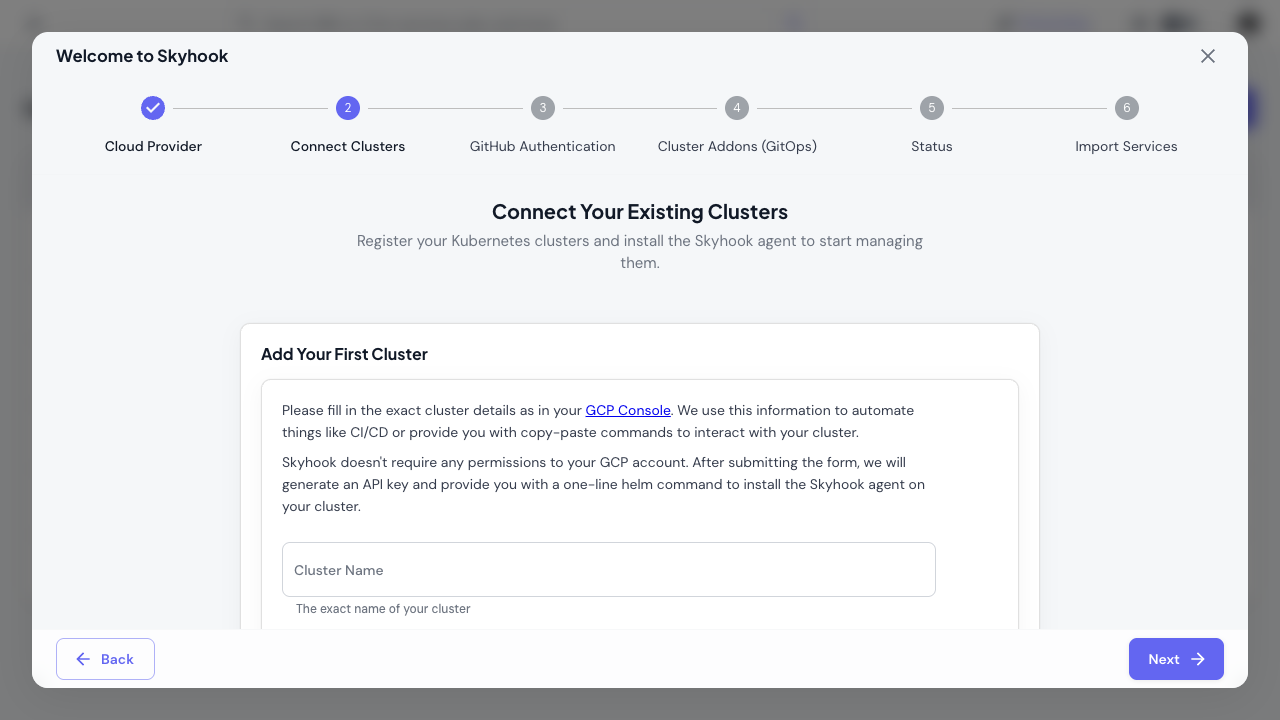
- Install Skyhook Cluster Connector: Copy and run the generated
helm installcommand:
- Verify connection: Cluster status changes to ONLINE in the dashboard
For detailed cluster connection steps including authentication setup, see Connecting Clusters.
Step 3: Set Up GitHub & GitOps (~10 min)
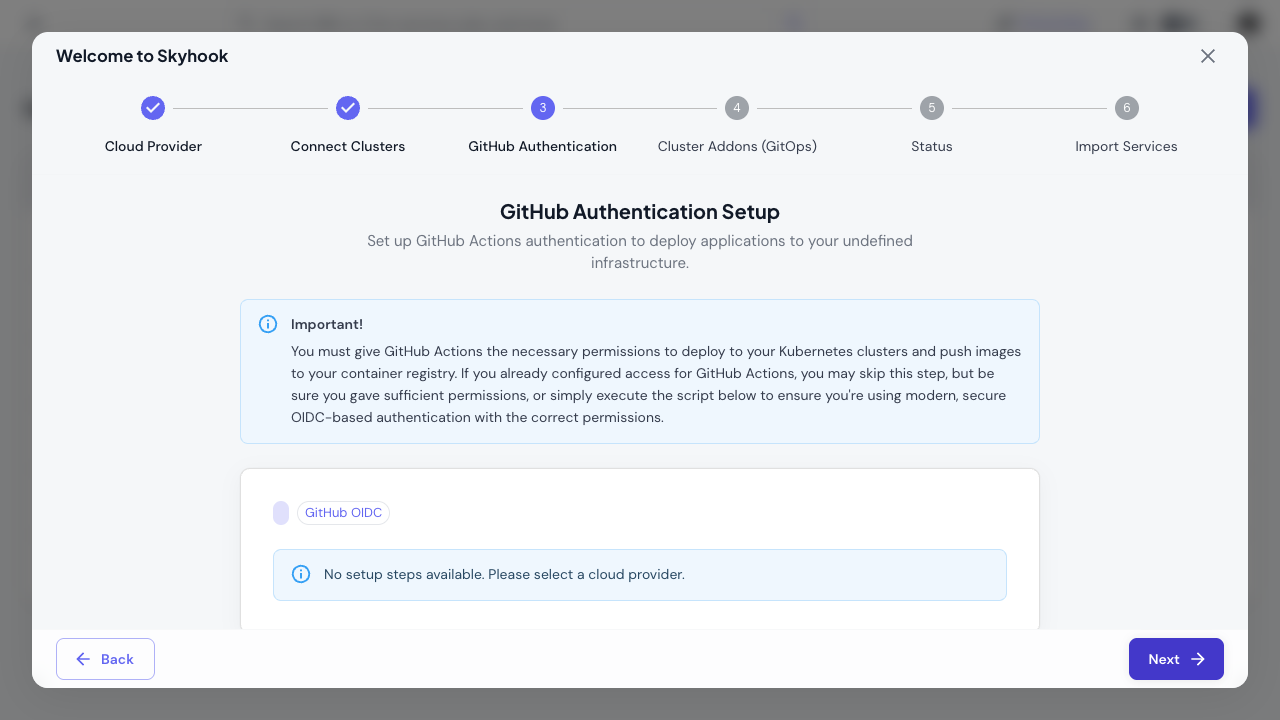
The wizard guides you through GitHub authentication and ArgoCD installation:GitHub Authentication
Choose your authentication method in the wizard:- GitHub Token - Manual personal access token setup
- GitHub OIDC - Automated OIDC-based authentication (recommended)
Install ArgoCD
The wizard provideshelm install commands to deploy ArgoCD on your management cluster. Copy and run the provided command.
Configure GitOps Repository
The wizard helps you:- Create a new repository or connect an existing one
- Configure ArgoCD to access the repository
- Sync addon configurations to this repository
ArgoCD provides GitOps-based automation, version control, and drift detection for your infrastructure. Learn more in the GitOps Overview.
Step 4: Configure Addons (~5 min)
The wizard helps you install essential Kubernetes addons through ArgoCD:Core Addons
Configure these recommended addons:- cert-manager - Automates TLS certificate management with Let’s Encrypt
- nginx-ingress - Handles ingress routing and load balancing
Configuration
In the wizard:- Select which clusters to install each addon on
- Configure addon settings (ingress class, certificate issuers, etc.)
- The wizard generates ArgoCD Applications and commits them to your GitOps repository
For manual addon installation or advanced configuration, see Addon Management.
Step 5: Import Services (~2 min) [Optional]
Optionally import existing services from your repositories, or skip this step and add services later.What You Have Now
After completing the quick start:- ✅ Kubernetes clusters connected and monitored by Skyhook
- ✅ Skyhook Cluster Connector syncing cluster state in real-time
- ✅ ArgoCD managing your infrastructure via GitOps
- ✅ cert-manager automating TLS certificates
- ✅ nginx-ingress handling external traffic
- ✅ GitOps repository with all configurations version-controlled
Next Steps
Deploy Your First Service
Start deploying applications to your clusters
Monitor Cluster Health
View cluster status, nodes, and resource usage
Configure Environments
Set up staging, production, and preview environments
Manage Secrets
Add environment variables and secrets to your services
Need Help?
- Check our detailed guides for clusters, GitOps, and services
- Contact support for personalized assistance